From messy photos to clear, ready-to-use scans.
or drop an image here
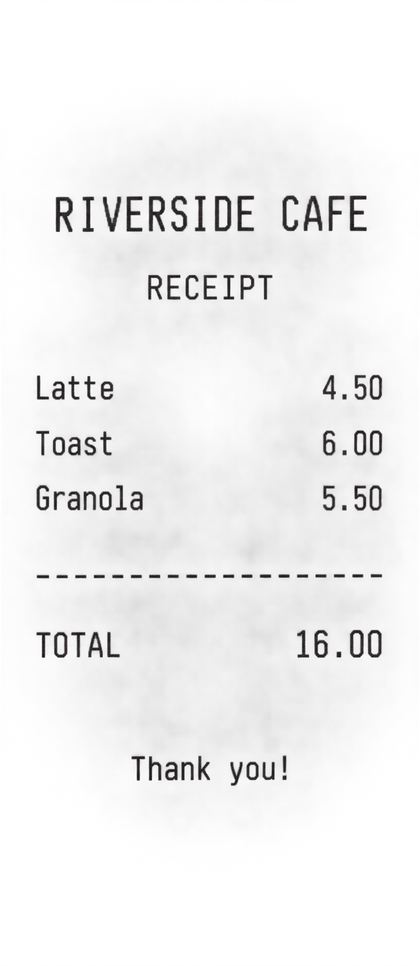
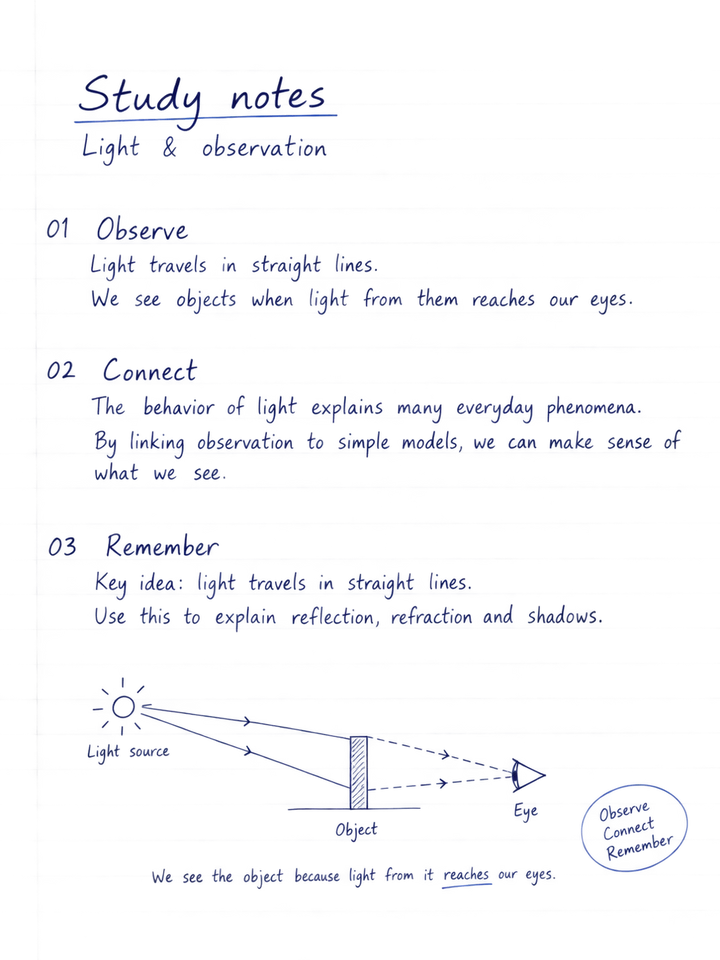
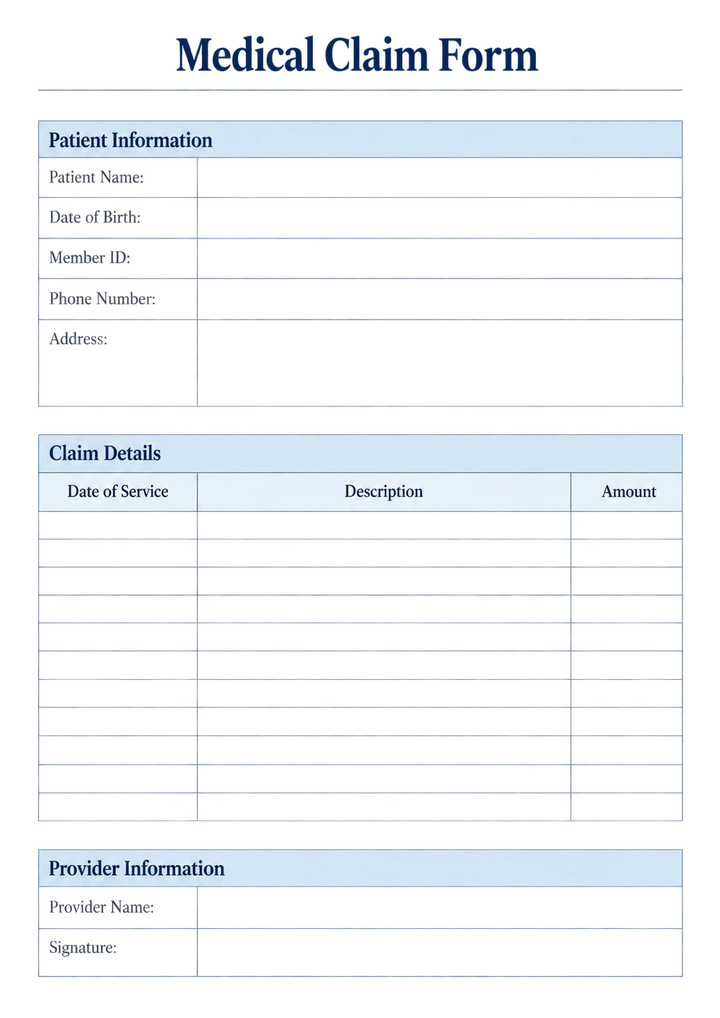
No image? Try one of these:
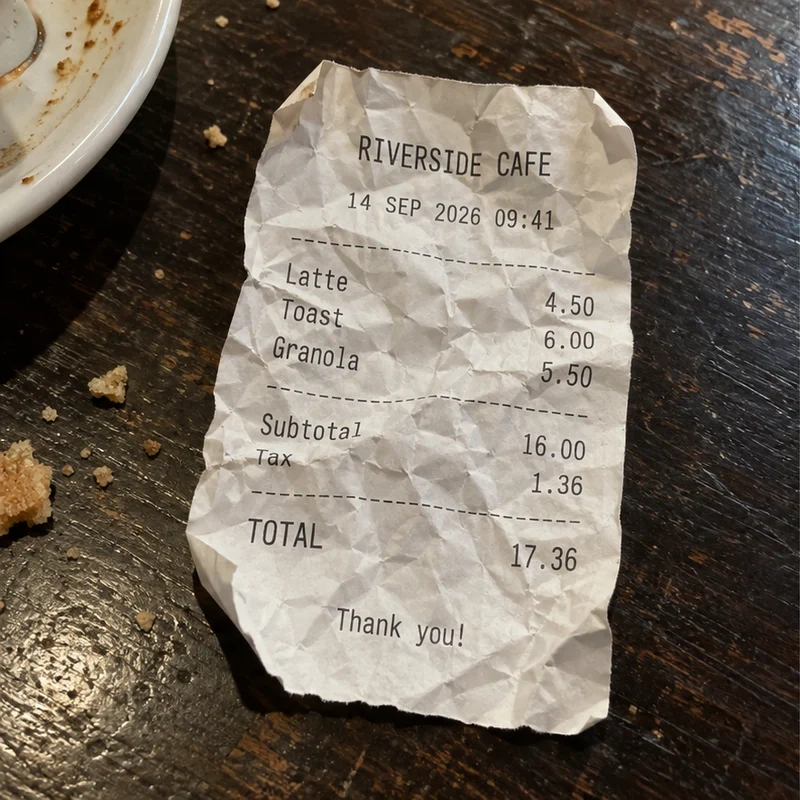
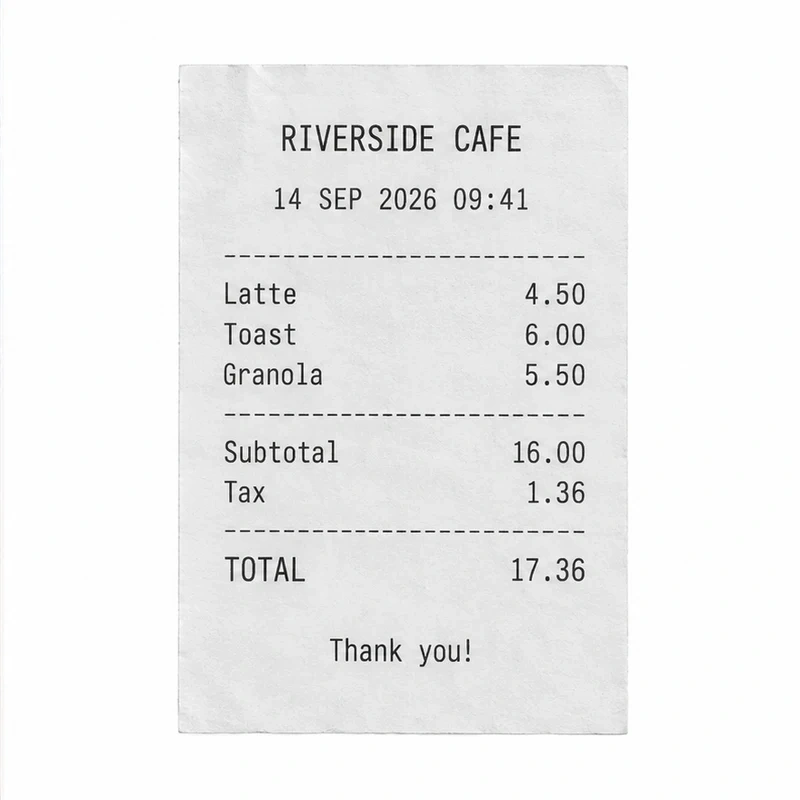
Stunning results on real documents
Deskew, crop and flatten — from difficult photos to clean scans.
One tool, endless uses
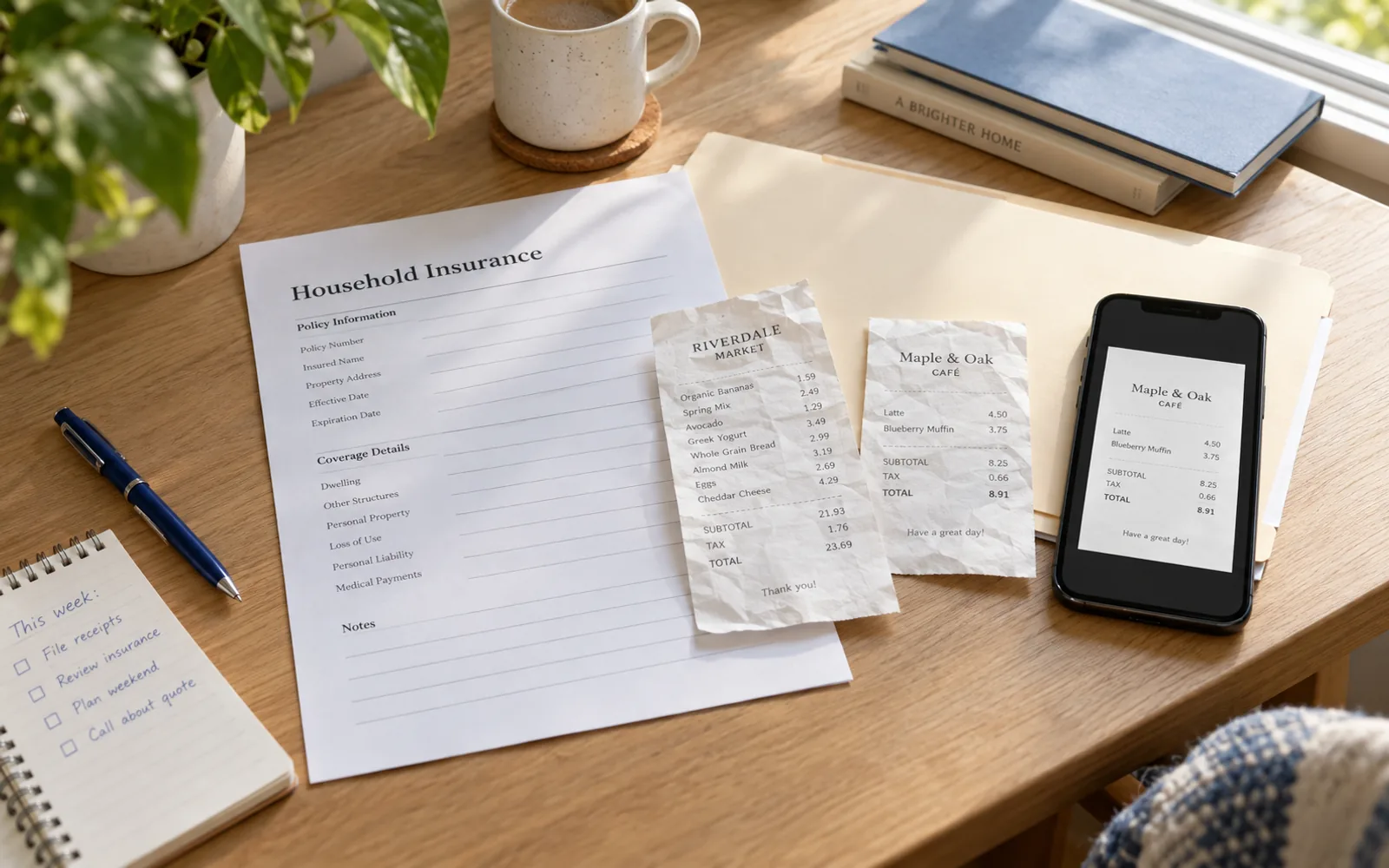
Clean document photos for work, study, and everyday tasks.
Clean up personal documents before saving, sending, or printing them.
Frequently asked questions
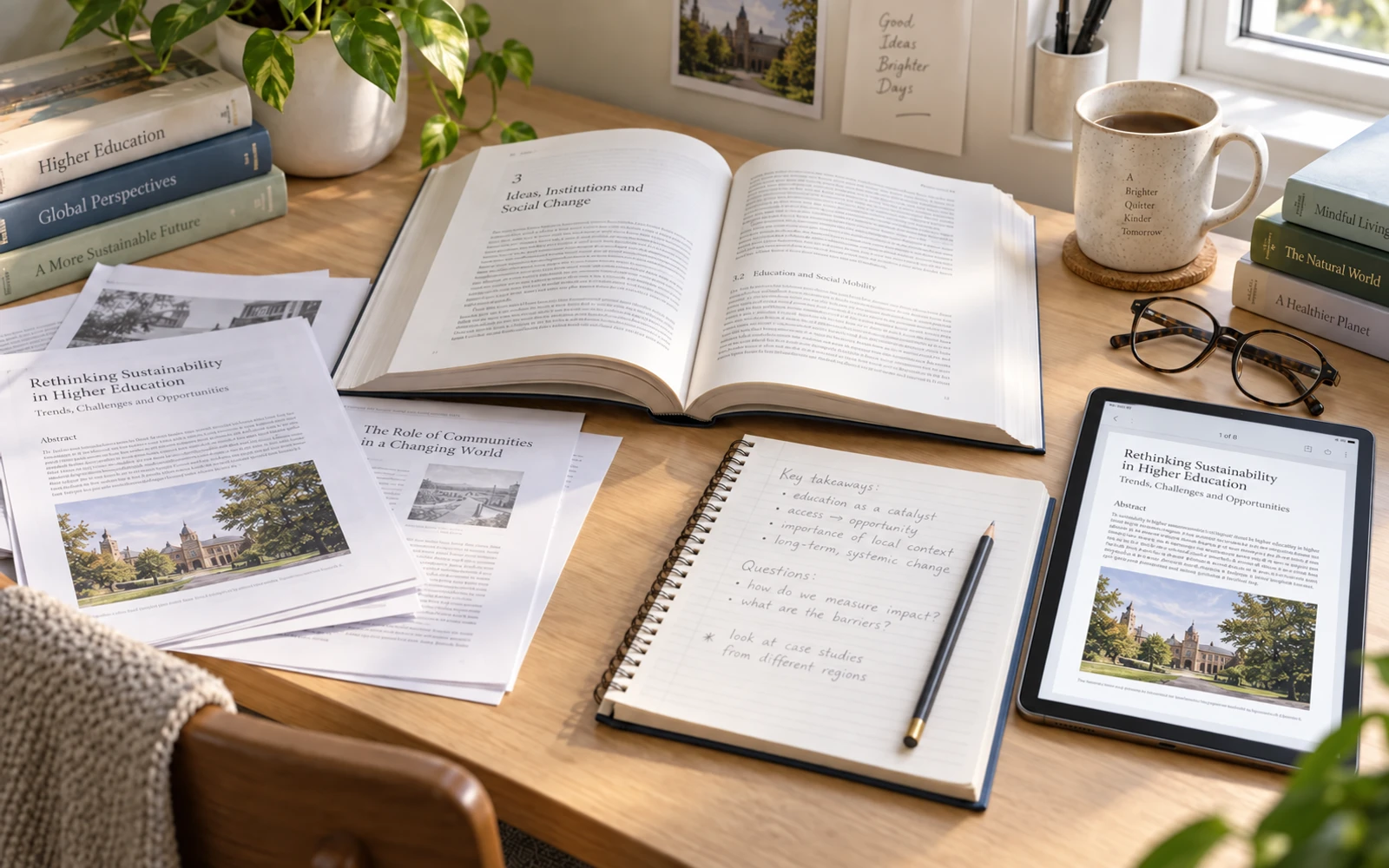
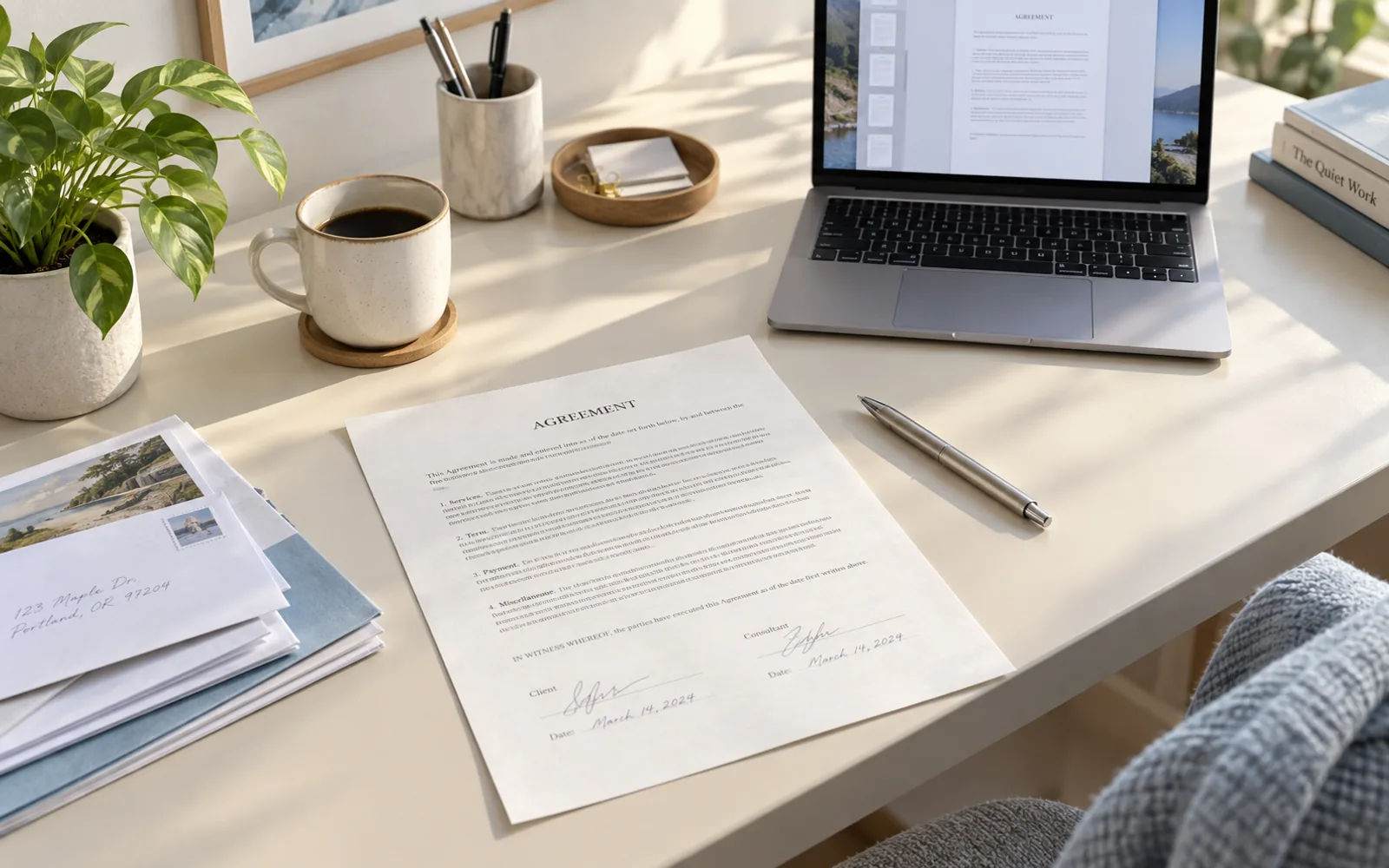
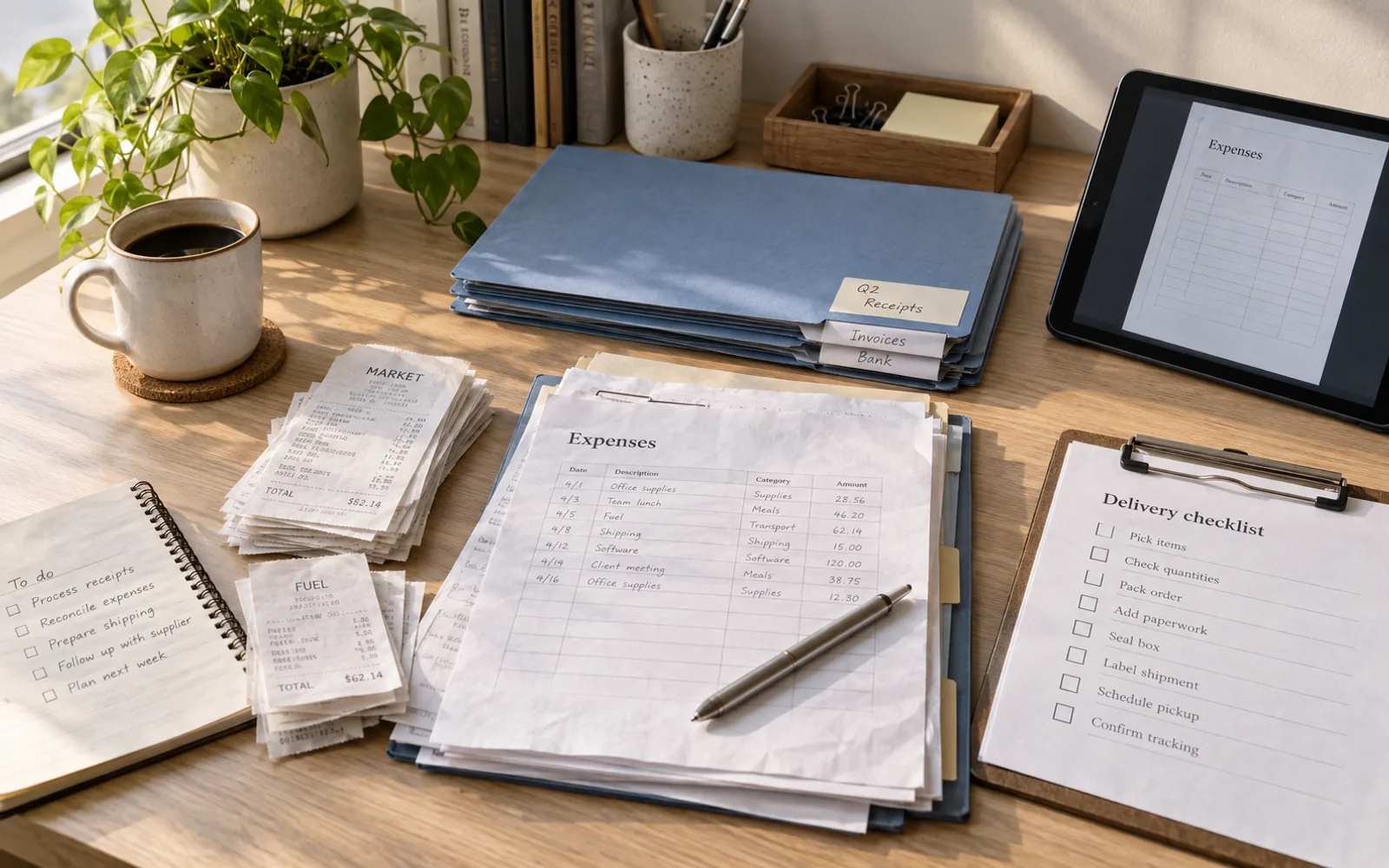
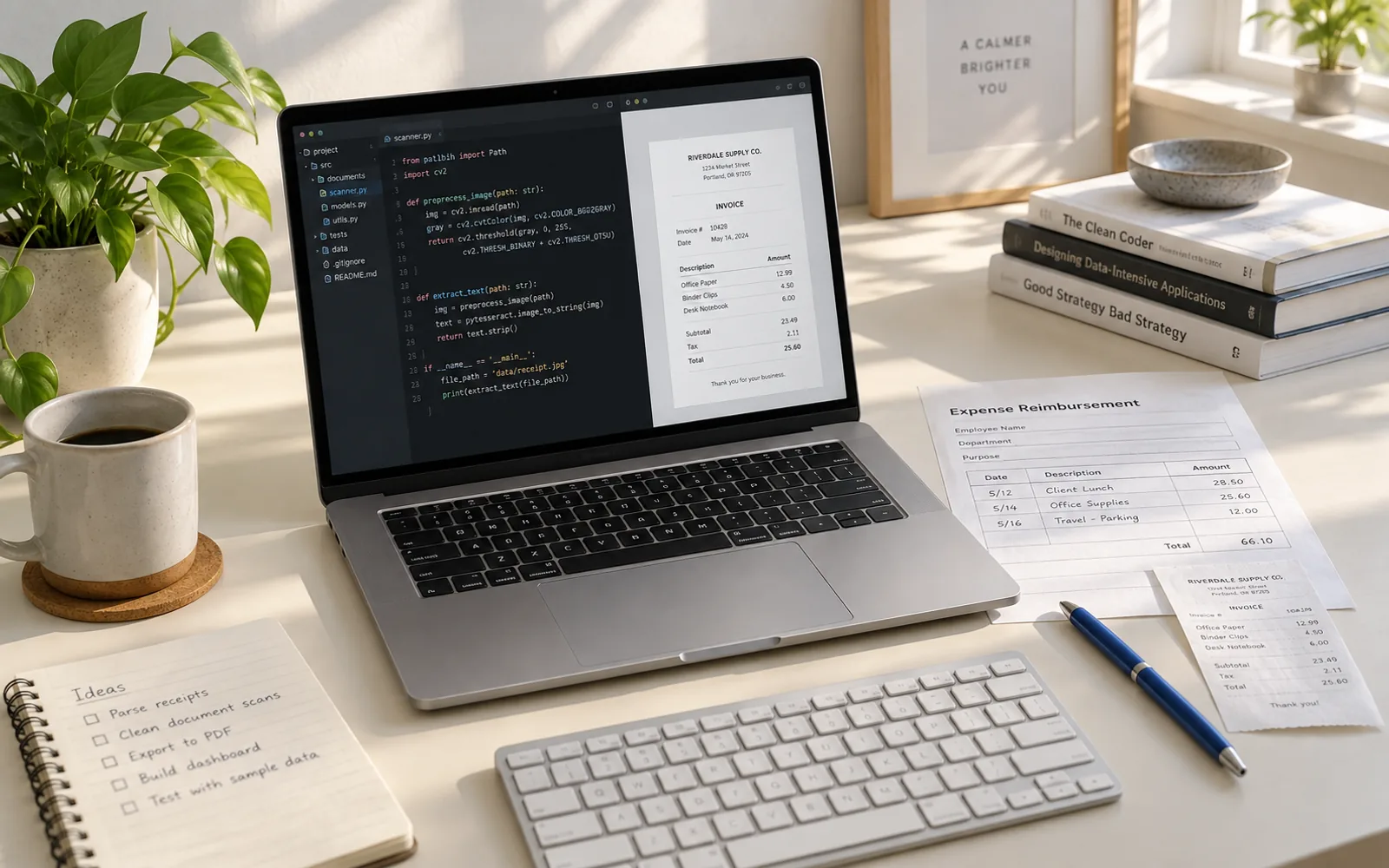
You can upload photos of receipts, contracts, forms, notes, book pages, printed handouts, certificates, and other paper documents. Photos taken at an angle or with extra background around the page are fine too.
Yes. TextIn automatically detects the document edges, crops away the surrounding background, and corrects perspective so the page looks flat and straight.
It works well with many everyday document photos, including lightly wrinkled paper and pages photographed from imperfect angles. Very strong folds, heavy blur, severe shadows, or partially hidden pages may affect the result.
A cleaner, straighter document image can make text easier to read and can also provide a better input for OCR or document recognition. Results still depend on the quality of the original photo.
Your images are processed in real time and are not stored. Once processing is complete, the image data is immediately discarded.
Ready to clean your document photos?
Free to try.