INTSIG DocFlow
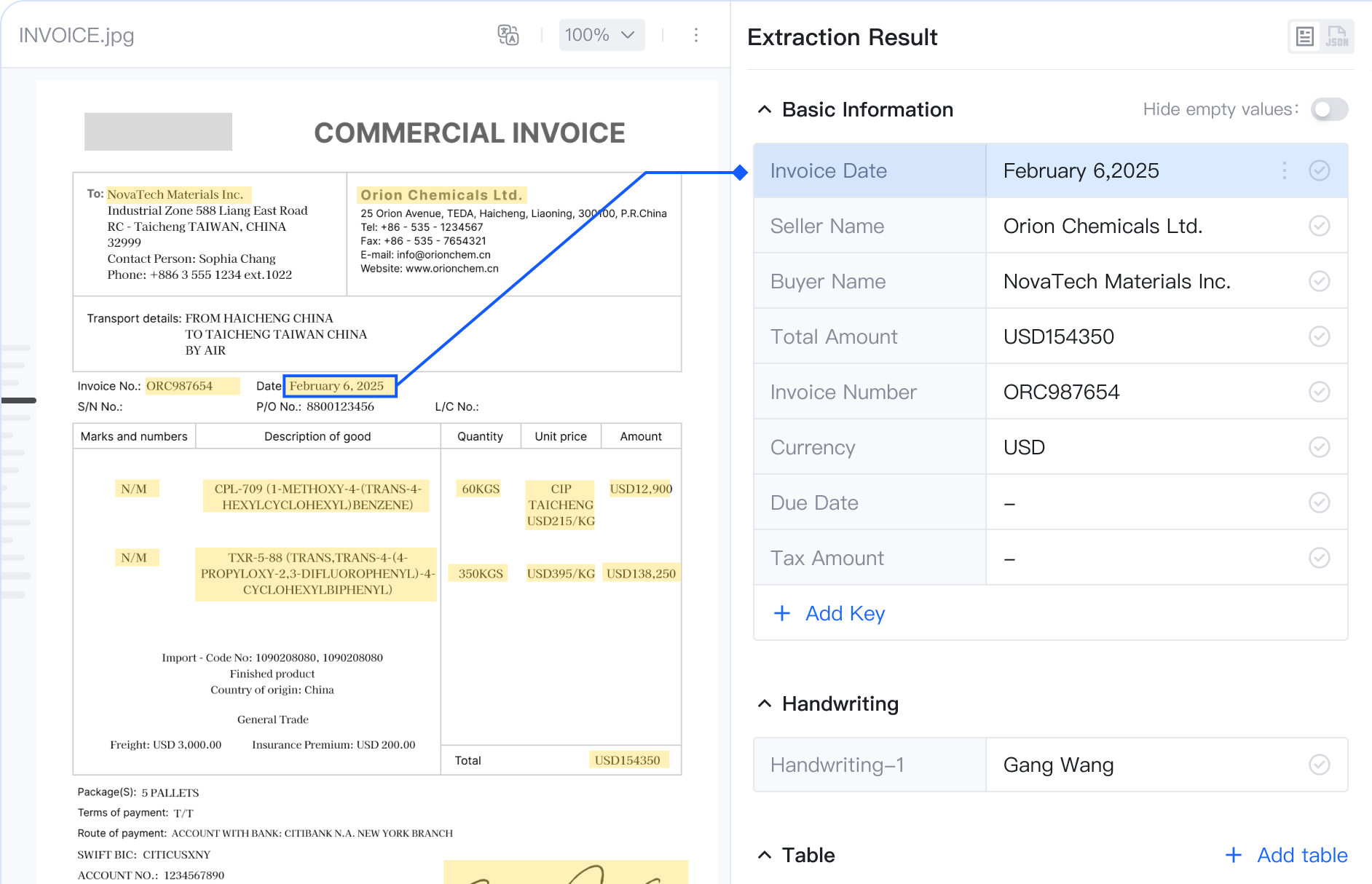
Classify, split, extract, review, and validate incoming documents, then route business data into ERP, CRM, and other systems.
Explore DocFlowTextIn xParse turns PDFs, Office files, and scans into structured data for business and AI workflows.
A unified Document AI infrastructure powering RAG, Agents, and enterprise AI workflows.
Process PDFs, scanned documents and images, Word, Excel/CSV, PowerPoint, HTML, text, and OFD files. Extract structured content, including tables, for downstream workflows.
Improve inputs affected by watermarks or curved pages before document parsing.
Go beyond document OCR: identify semantic paragraphs, preserve section boundaries, and restore reading order.
Extract merged cells, tables that span multiple pages, and tables without visible borders.
Automate OCR, cleaning, parsing, and chunking to prepare consistent content for LLM, RAG, and agent workflows.
Route and compare supported parsing engines through one extensible document understanding layer.
Classify, split, extract, review, and validate incoming documents, then route business data into ERP, CRM, and other systems.
Explore DocFlow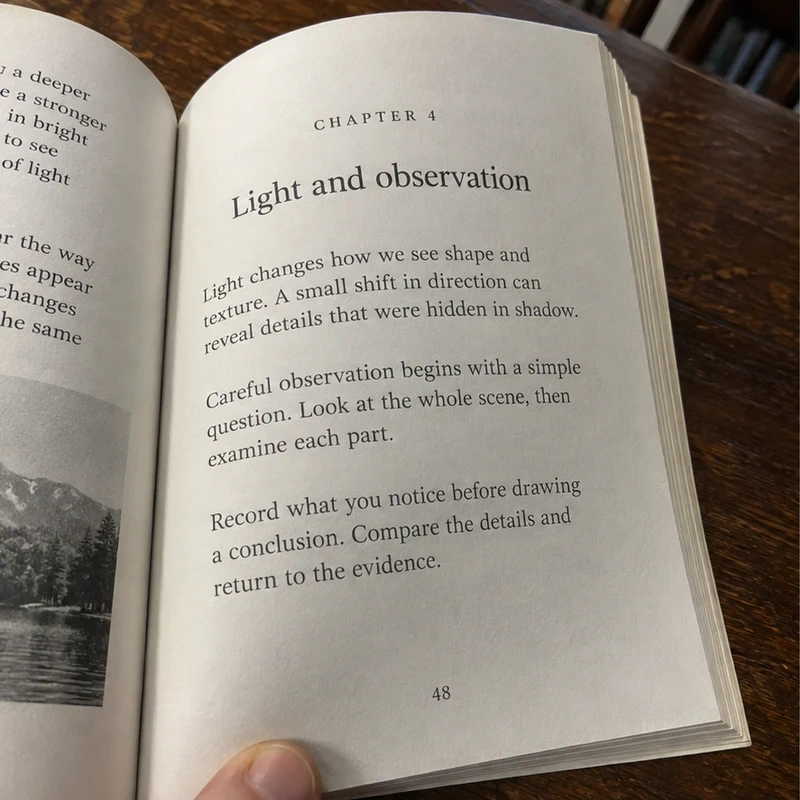
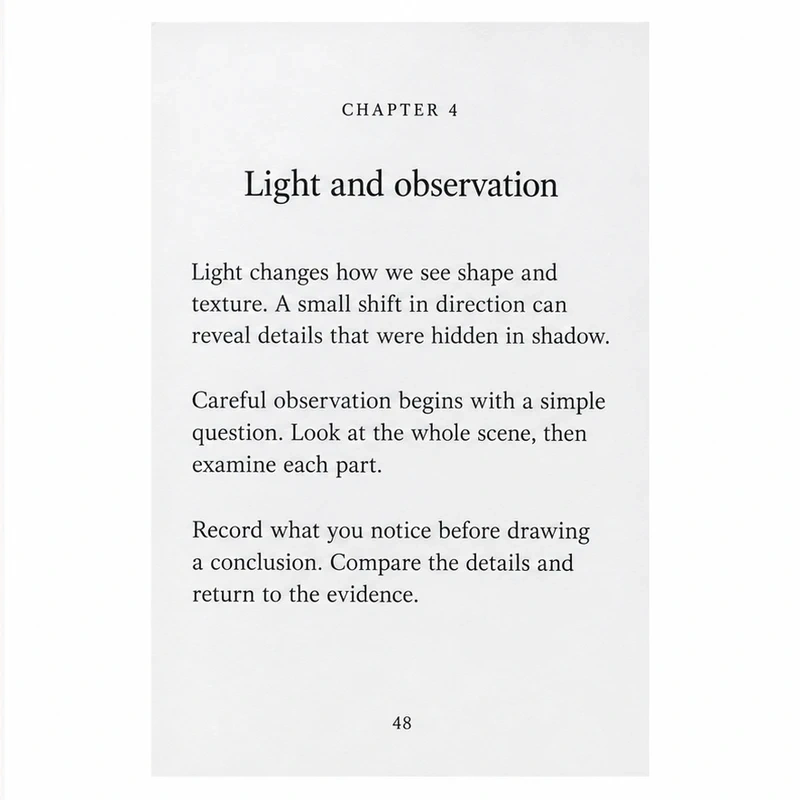
Turn document photos into clean scans with automatic cropping, deskewing, and perspective correction. Developers can add document cropping and correction to their products with an API.
Explore Document Crop20 years of document intelligence expertise, serving teams with high standards across industries.
TextIn xParse is an enterprise document AI product from the company behind CamScanner. CamScanner helps users capture documents, while xParse processes PDFs, scans, and other supported files through APIs, returning content for business software and AI workflows.
The CamScanner API helps integrate mobile document scanning into iOS and Android apps, including edge detection, cropping, and image enhancement. TextIn xParse processes supported documents through APIs and returns structured content for business software and AI workflows.
Yes. CamScanner helps capture documents, while TextIn xParse processes supported scans and business files through APIs, returning structured data for business software, search, and AI workflows.
TextIn xParse supports PDF; PNG, JPG/JPEG, WebP, BMP, and TIFF images; Word, Excel/CSV, and PowerPoint files; HTML/MHTML; TXT/RTF; and OFD. File size, page, and other processing limits depend on the API mode and account.
Yes. TextIn xParse extracts text from digital PDFs and applies OCR to scanned PDFs and images. Its document parsing capability returns Markdown and structured elements in reading order, with options such as table structure, page data, and document hierarchy for workflows that need them.
Yes. xParse can return Markdown and structured elements for indexing, retrieval, chunking, and AI workflows. You can enable hierarchy or title-tree output when your RAG pipeline needs document sections and relationships.
Send requests to the TextIn xParse API with your App ID and Secret Code in the x-ti-app-id and x-ti-secret-code headers. Use synchronous processing to receive a result in the same request, or asynchronous processing for large documents and batch jobs; async jobs return a job_id that you can use to retrieve the result.
Stop wrestling with PDFs. Start building AI that actually works in production.